
The most useful results in the SEMAR trials are the three places the assistant failed, and how users worked around them.

A setup assistant is only as good as its worst answer. When a novice follows instructions line by line, one wrong constant can stop the whole project. The SEMAR team logged every stumble during their trials.
In the smart light case, the assistant told the user to assign the sensor to pin D4. The code did not compile, because the NodeMCU board expects the bare pin number, not the label. Once the user pasted the compiler error back into the chat, the service corrected itself.
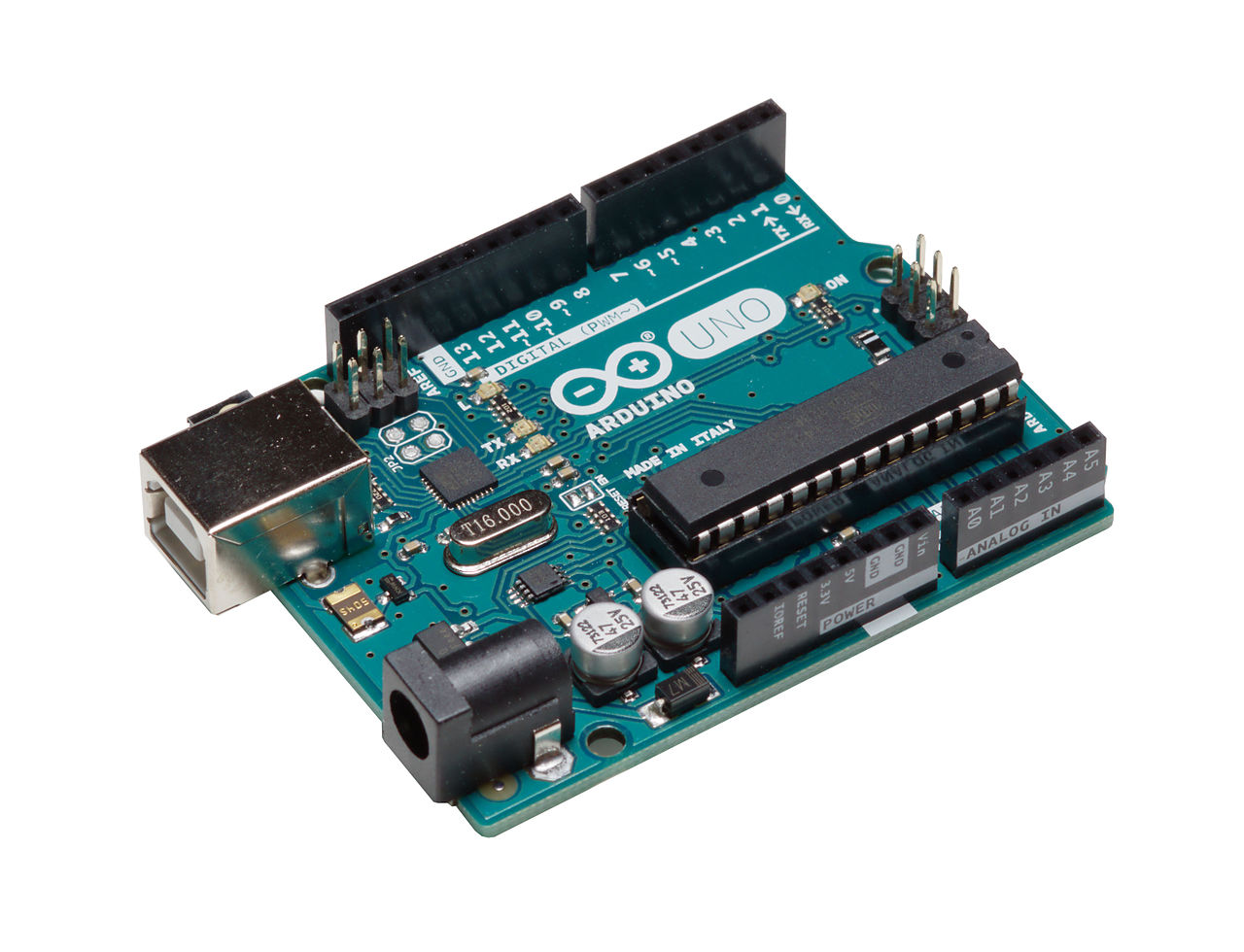
Two other problems surfaced. The room temperature monitor imported PubSubClient for MQTT, a library the Arduino IDE does not ship; the assistant talked the user through installing it, which is the failure mode you want. The water heater case was worse. The user swapped in a Raspberry Pi 5, and the package the assistant recommended for the DS18B20 sensor does not work on it. The model's training data stopped in October 2023, before that board shipped, so the team read the package documentation and changed settings by hand. The authors flag this as a clear limit.

The board swap itself is worth noting. The assistant moved the project from an ESP8266 to a Raspberry Pi, rewrote the pin assignments, and produced Python code with a discrete time PID controller and dimmer duty cycle control.
In the classroom trial, 16 of 19 students with no IoT background completed the assignment, along with all three experienced students. The most requested improvement was small: let users edit a message after sending it.
The lesson for anyone building this kind of tool is unglamorous. Grounding helps and conversation helps, but the assistant will still hand users a wrong pin or an outdated package. The design question is whether the interface makes mistakes easy to notice and recover from.
Kotama et al. (2025). Implementation of Sensor Input Setup Assistance Service Using Generative AI for SEMAR IoT Application Server Platform. Information.

